Video builds trust.
Scaling it usually kills it.
Record once. Claude or ChatGPT does the rest.
Your mouth moves to say their name, and their site loads on screen behind you. Both happen in your own footage: not a dub, not an avatar wearing your face.
The rest is a chat window. It finds people, writes scripts, and drafts every email. It never sends one. You do, every time.
You do not need to perform. Read it once, hit record, keep what you get.
or get the kit first. Free, no email.
One thing to check first. Only Apify counts against Claude's one free custom connector. Gmail and Drive are built in. Already at your limit? Skip Apify and bring your own list. The loop still runs.
What the recipient receives

“Hey there,”→“Hey Sarah,”
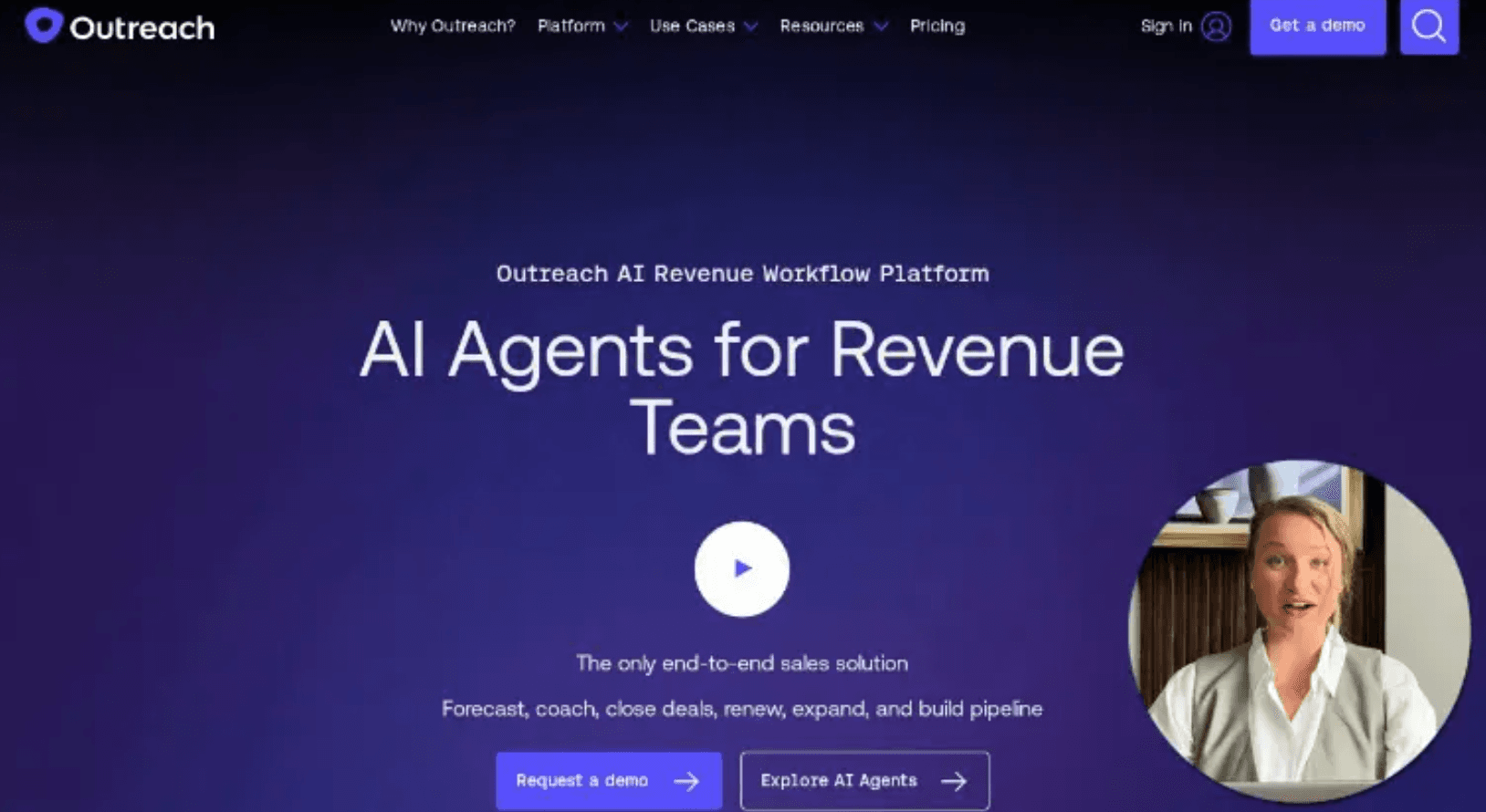
Their name changes in your voice. Their site loads on screen behind you. Not a name dropped into a gap.
Setup happens once. This happens every time.
Setup takes minutes. Everything below is what comes after.
4 of these 11 are yours. They are numbered 1, 3, 6, 9 below, and they are the filled ones. The rest happens without you.
Say what you sell, and who buys it
youOne sentence to start: "run an outbound campaign, I sell X to Y, start with 10 people". That is the whole trigger.
Asks seven questions, then writes the plan
Claude/GPTWho bought fastest, what makes a company need you now, who signs. The answers become a one-page plan: your buyer types, and the checkable signals it will filter the list on. Anything it had to guess is marked as a guess.
Approve the plan
youNothing is spent until you say yes. Change the signals here and you change who ends up on the list. This is the last time that is free.
Finds the companies, then the people
Claude/GPTThrough Apify, filtered by the signals you approved. A first name and an email per row, with the cost stated before it spends anything.
Writes two or three scripts to choose from
Claude/GPTUsually one per buyer type, each laid out for reading aloud. They all open with “Hey there”, the two words Outvo replaces. Already recorded something? It skips this and asks which word you used.
Pick one and record it
youPhone camera is fine. Keep the script open next to the lens if you need it. Two takes, keep the second. That is the standard, not a fallback.
Renders one video per person
OutvoYour mouth moves to that person’s real first name, in your own voice, with their site loaded on screen behind you. They render in parallel.
Writes one email per person
Claude/GPTAnyone it knows a real fact about gets that fact. Everyone else gets the version written for their buyer type, and it never invents one to fill the gap. Drafts land in your Gmail, each carrying that person’s own video as a clickable thumbnail.
Read the drafts and press send
youClaude or ChatGPT drafts. It cannot send email. That part stays yours, every time.
Records what each person did
OutvoWhether they opened it, and whether they came back to it. Per person, not per campaign.
Drafts day 3 and day 7, branched on that
Claude/GPTCame back to it, no reply → same thread, a specific time offered. Opened but didn’t reply → a different angle, not the same one louder. Never opened → new subject, sent in the morning. Anyone who replied is dropped, and a last closing note goes to whoever watched and stayed quiet.
Back to step 9. Follow-ups arrive as drafts too. You read and send them the same way, and the loop runs again off what step 10 recorded.
Every stage writes to your Drive. The plan, the list, and what each person did with their video, one folder per campaign. A fresh chat reads it and carries on, so “follow up on the Acme campaign” is the whole instruction.
Outvo does not connect to Gmail. Claude or ChatGPT does. Outvo hands back a link and a thumbnail. Whatever writes your email puts them in. Nothing syncs in the background, and nothing runs while you are not looking.
You press send. This is what arrives.
Step 8, from their side: a short email, a still from their own video, a link that plays it.
your second location
from you · to sarah@acmedental.com
Free to start. You decide when that changes.
Every place money enters this, including after the free part ends.
Outvo, free to start
No card. A new account comes with a batch of renders to spend however you like. It is one-time; it does not refill each month. Your dashboard shows the count.
After the free renders
Nothing auto-charges. Nothing sends half-finished. You add credit to a wallet, $10 minimum, and each video draws $1.49 from it. Monthly plans cost less per video, and your dashboard shows the current list.
Degraded renders, never charged
If a recipient’s site will not load you get the video without it. The name is still spoken, and that render is not charged. Your results file marks which rows they were.
Everything else
Apify has a free tier with a monthly credit; check their page for the current number. Claude or ChatGPT runs this on whatever plan you are already on. Sending is your own Gmail: no sending tool to buy, no new domain, no three-week mailbox warm-up.
Nothing asks for a card before you have seen a finished video with a stranger's name in it.
Before you start
Can it send the emails for me?
No, deliberately. Claude or ChatGPT writes drafts into your Gmail; you read them and press send. There is no setting that changes it.
Do I need to look polished on camera?
No, and polished is the wrong target. A phone at your own desk is the expected look. A produced video reads as an ad, not a message from a person. Two takes is normal. Glance at it before you send, the way you would proofread an email, not a frame-by-frame hunt for flaws.
What if it mispronounces someone’s name?
Add a pronunciation column to your list with a rough spelling, so Siobhan becomes shiv-awn, and Outvo uses it.
What do I say if someone asks how I made this?
Tell the truth: you recorded one video, and Outvo put their name and site into it. Said plainly, that reads as clever, not creepy.
Do I need to be technical?
No. You talk to Claude or ChatGPT in plain English. The kit has a command-line runner and a documented API if you would rather drive it yourself. Both are optional.
Start with 10 people
Small enough to watch every video before you send it. Keep some renders back for a second run: if your dashboard shows fewer than ten, start with half. You'll rewrite the script once you see how the first batch lands, and you'll need renders left to test it.
One more thing: hand the download to Claude or ChatGPT. In Claude, upload the kit zip itself at Customize → Skills. Don't unzip it first. Anywhere else, paste SKILL.md as the first message of a new chat, then reference/outvo-api.md as the second.